
A bit technical thread  I’ve been improving the in-game ambient occlusion system - and ended up with something I call:
Blob-based Analytical Ambient Occlusion on Primitives
Here’s what it does to the final image:
(more examples later in the thread)
(1/16)
I’ve been improving the in-game ambient occlusion system - and ended up with something I call:
Blob-based Analytical Ambient Occlusion on Primitives
Here’s what it does to the final image:
(more examples later in the thread)
(1/16)
I’ve been improving the in-game ambient occlusion system - and ended up with something I call:
Blob-based Analytical Ambient Occlusion on Primitives
Here’s what it does to the final image:
(more examples later in the thread)
(1/16) 
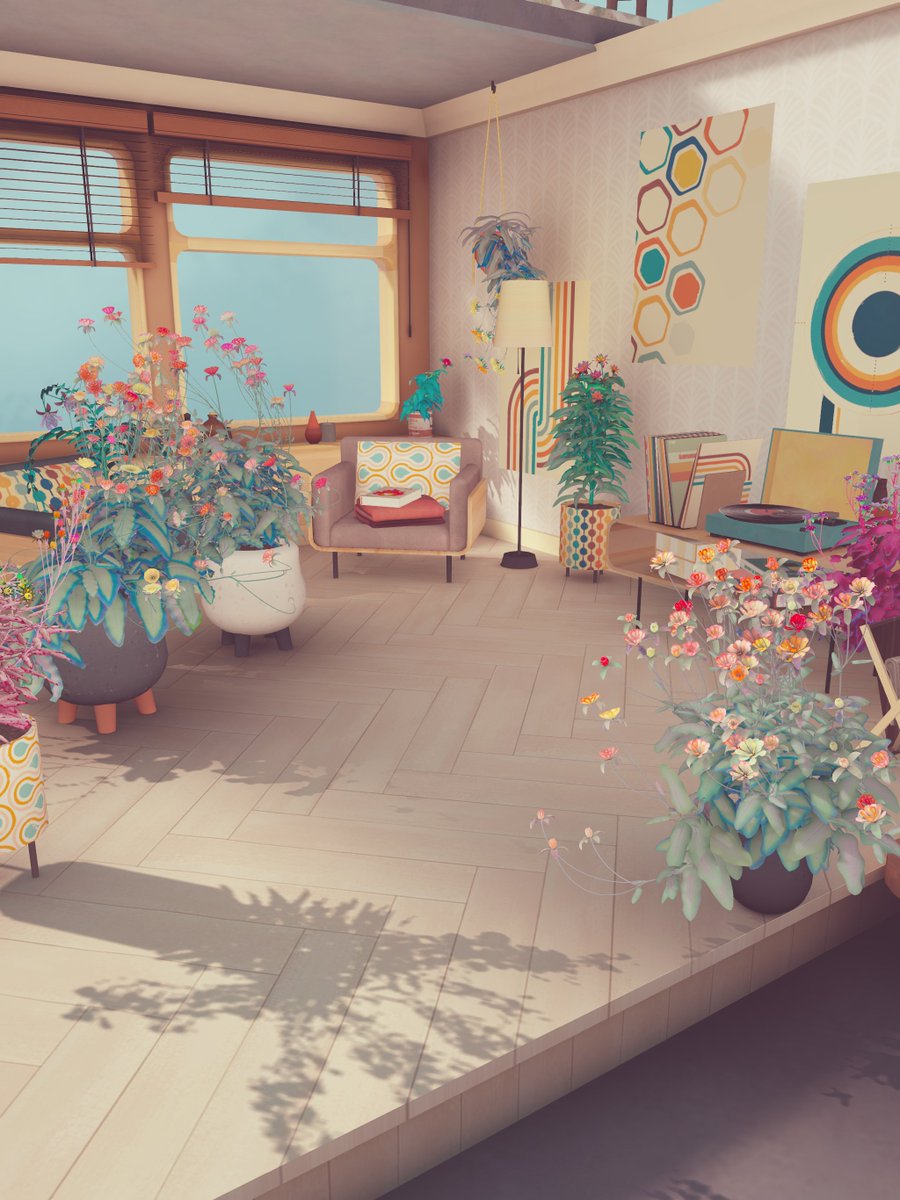
Since the game’s main platform is mobile, I needed a fast and robust AO solution for dynamic objects (static ones are lightmapped).
Why not Screen-space AO? Not great for mobile - too noisy, not tile-based GPU friendly, inconsistent across devices, and needs heavy filtering.
Ray-traced AO? Same story - not (yet?) practical on mobile.
(2/16)
So, I went back in time and revived a classic: blob shadows - the technique used in early 3D games that often mimicked ambient occlusion rather than true shadows.
(3/16)

The base idea is beautifully simple:
1. Define surfaces that receive occlusion.
2. Define objects that cast occlusion.
3. For each receiver–caster pair, compute the projected occlusion area that roughly estimates shadowing of the cast object.
4. Apply some shadow (occlusion) pattern on the area and draw the resulting geometry.
5. And yeah - do the above for every occlusion-receiver pair  (4/16)
(4/16)
For the first version of the system, I used static textures to approximate the occlusion shape of some typical primitives.
Just 3 texture types - pulled on for every moving object in the game (could be more than 1 shape per object).
It worked!
Results were way better than no AO at all, and every earlier game shot you’ve seen used this method.
But... it was never perfect. Fixed textures have obvious limits.
(5/16)

So I finally found the courage to revisit the technique.
This time - no prebaked textures.
Instead, I went analytical - doing the math to emulate occlusion shapes directly for some simple primitives (boxes, spheres, cylinders, cones, etc).
(6/16)
The core 2D case is actually simple:
Imagine a flat occluder of width 2W (from -W to W) standing at height H.
The occlusion function looks like:
(cos(arctan((x - W) / H)) + cos(arctan((-x - W) / H))) / 2 + 1
In other words - the sum of light coming from the left and right gaps around the occluder.
(7/16)
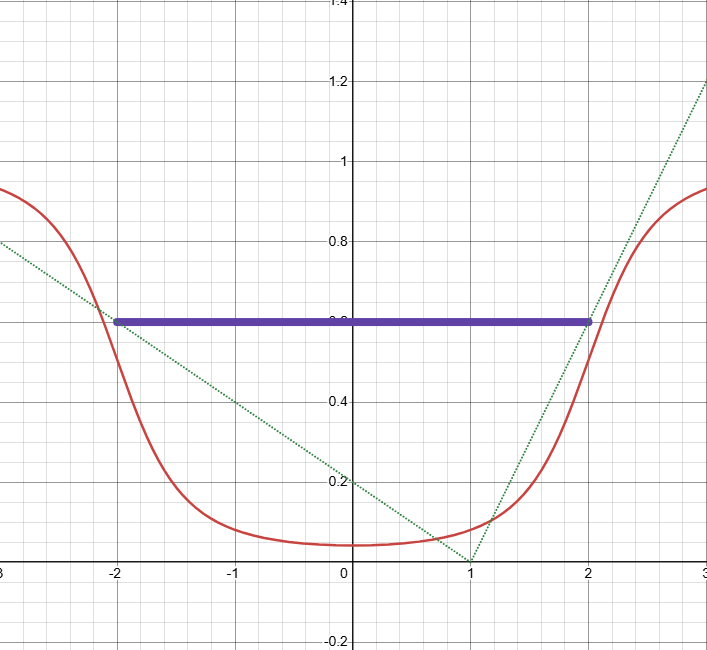
Luckily, this simplifies nicely since cos(arctan(x)) = x / sqrt(x² + 1).
That gives a super lightweight, computation-friendly formula that still behaves like smooth, realistic occlusion. And can be easily extended with some additional parameters.
You can play with the simplified version here: desmos.com/calculator/jm3
(8/16)
The 2D version is a good start - but it doesn’t capture the full picture.
We need one more dimension to handle, which makes things trickier.
Ideally, this should be a hemispherical integral of point visibility.
In practice, I simplified it by splitting it into vertical and horizontal 2D components.
(9/16)
The vertical part comes from the formula I showed earlier - nice and straightforward.
The horizontal part, though, depends on how visibility changes with the distance to the surface and the surface’s own size.
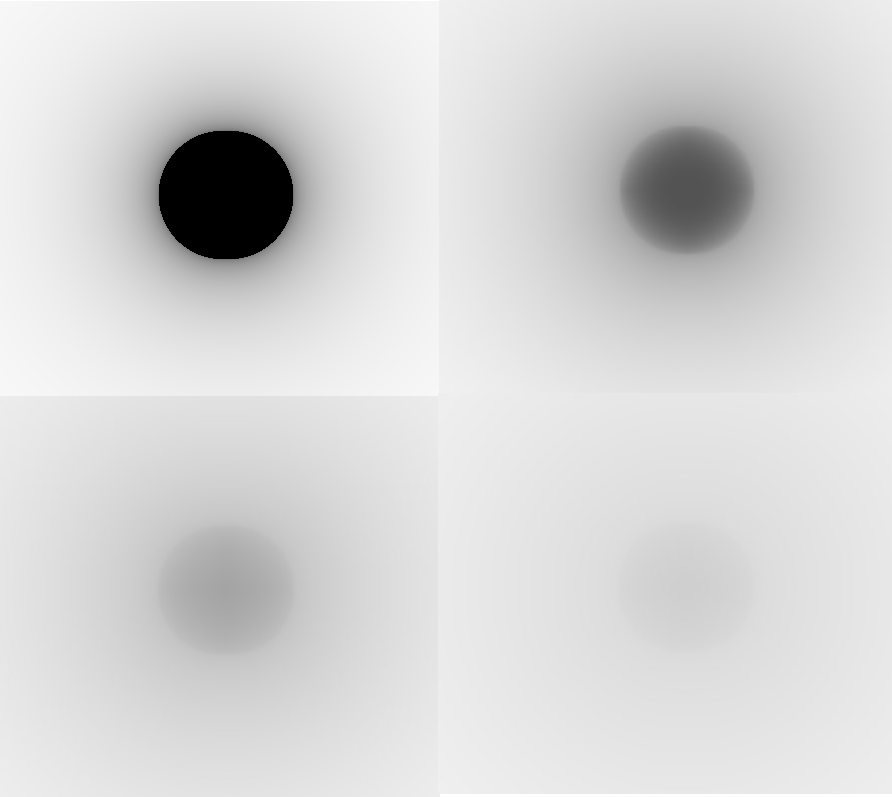
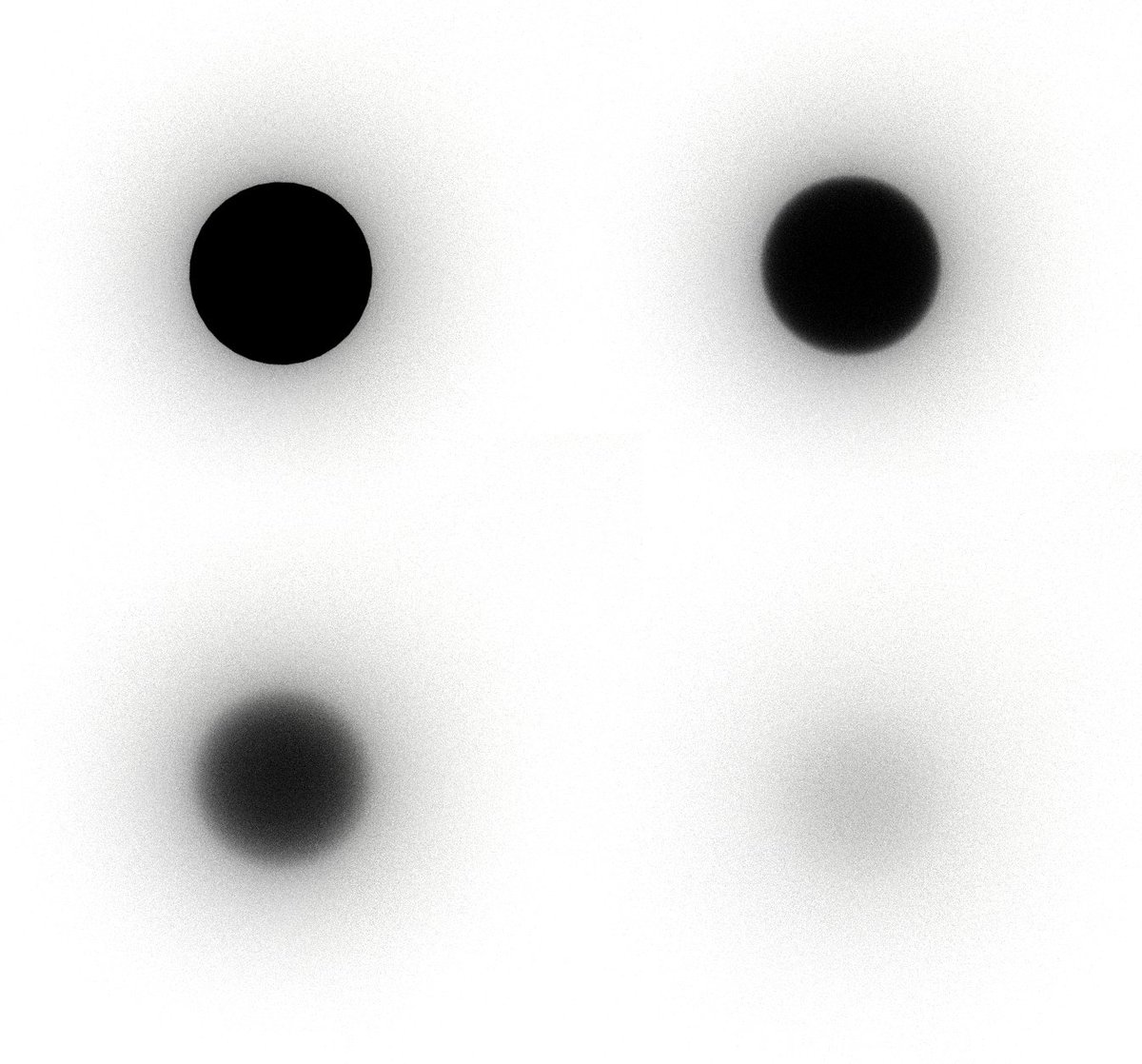
For a top-down projected cylinder, that relation is proportional to arctan(D / R), where R is the cylinder radius and D is the distance to the surface.
This separation (vertical + horizontal) produces results that are visually close to ray-traced ground truth - see the right image (distances and heights are not correlated on the images):
(10/16)
Rectangular shapes are trickier since they have hard edges.
I ended up with a slightly different, yet still cheap, function that models the visibility per rectangle size - same logic as with cylinders.
(11/16)
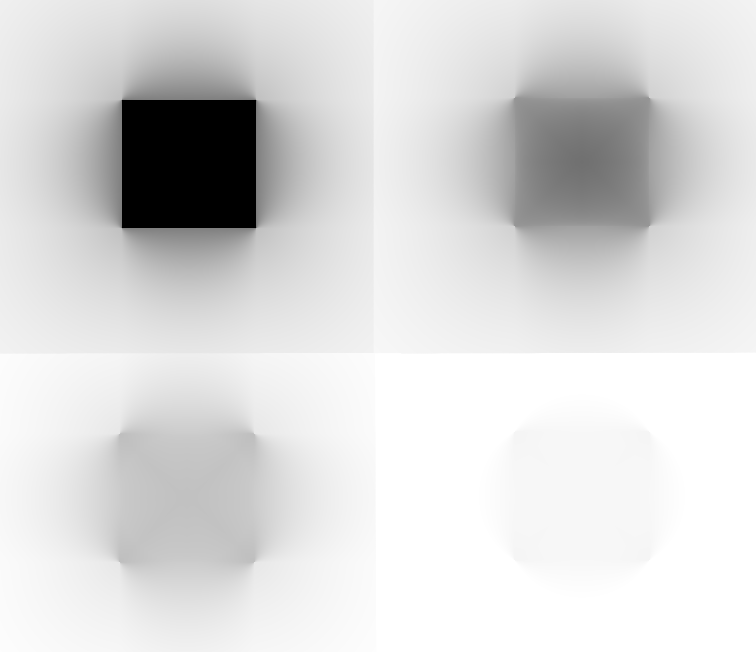
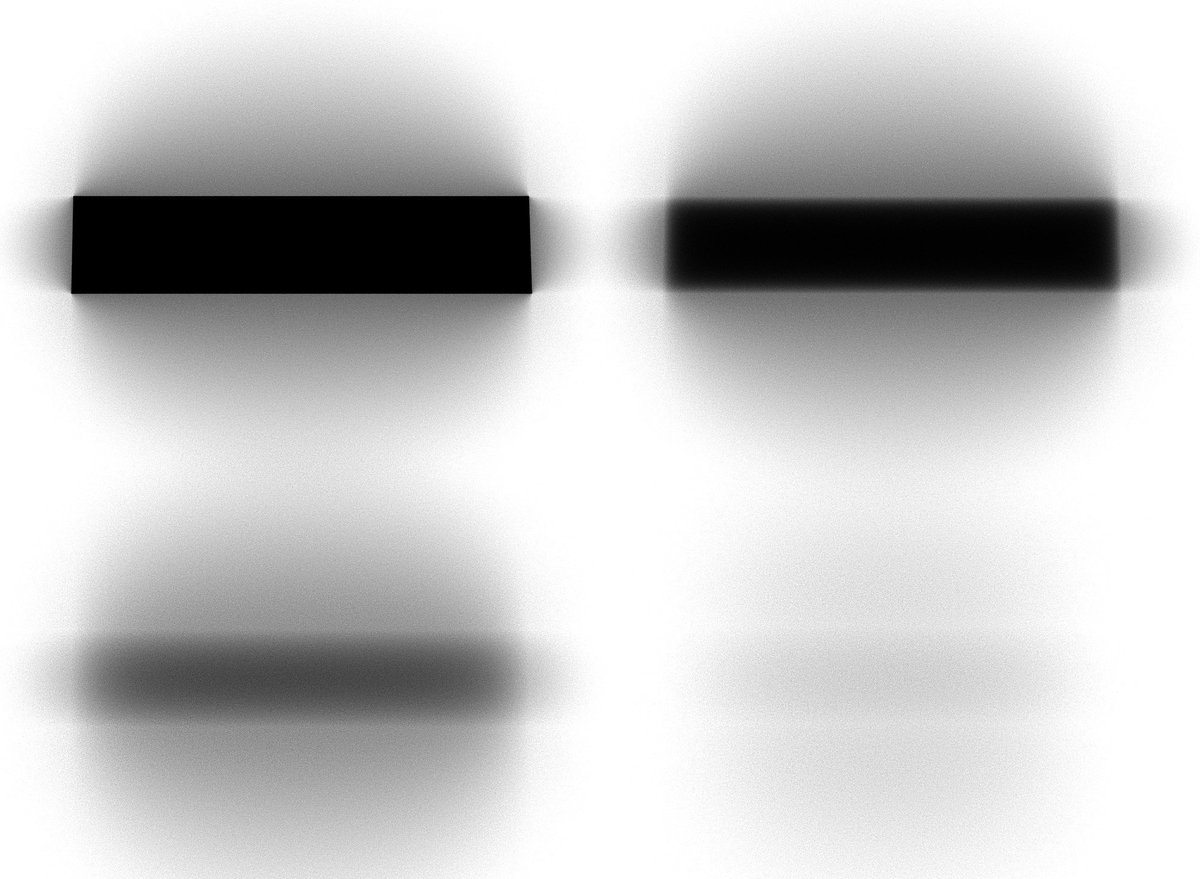
Side views of cylindrical shapes also needed separate math (and again, the right image shows the ray-traced reference).
(12/16)
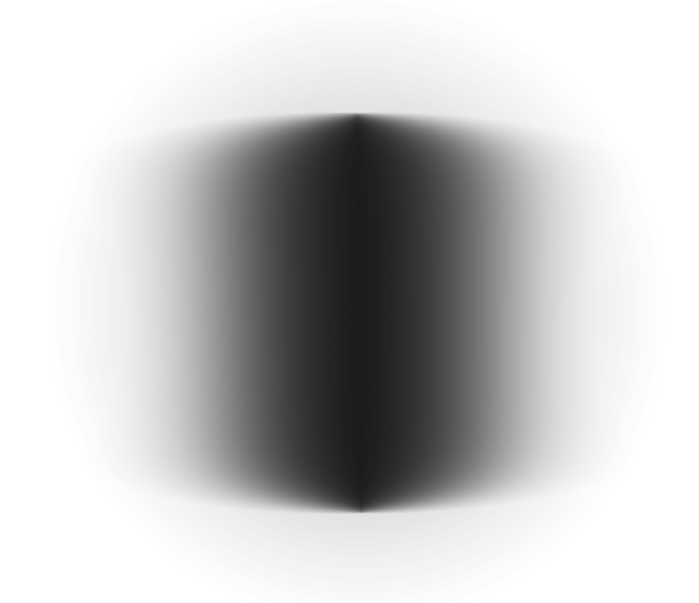
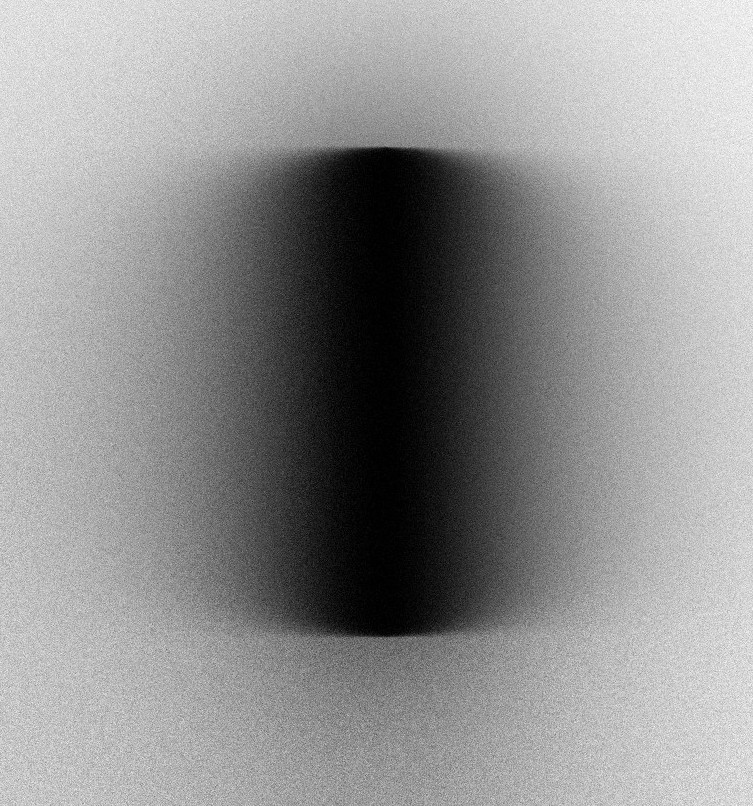
Using this system, I built a small set (7 types) of analytical AO shapes that cover most in-game dynamic props.
The result is much more detailed and believable than the old texture-based version.
Left = old. Right = new.
(13/16)
Performance-wise, it’s similar to the previous method, but no texture fetches, all math is half-based, and only ~30–40 instructions per shape type.
On an iPhone 15Pro, native res, it costs about 0.02–0.2 ms, depending on scene complexity and density (all blobs are combined to a single draw-call).
(14/16)
Bonus point: the same approach also gives cheap multi-point (and areal) lights support - in forward rendering, on mobile!  (15/16)
(15/16) 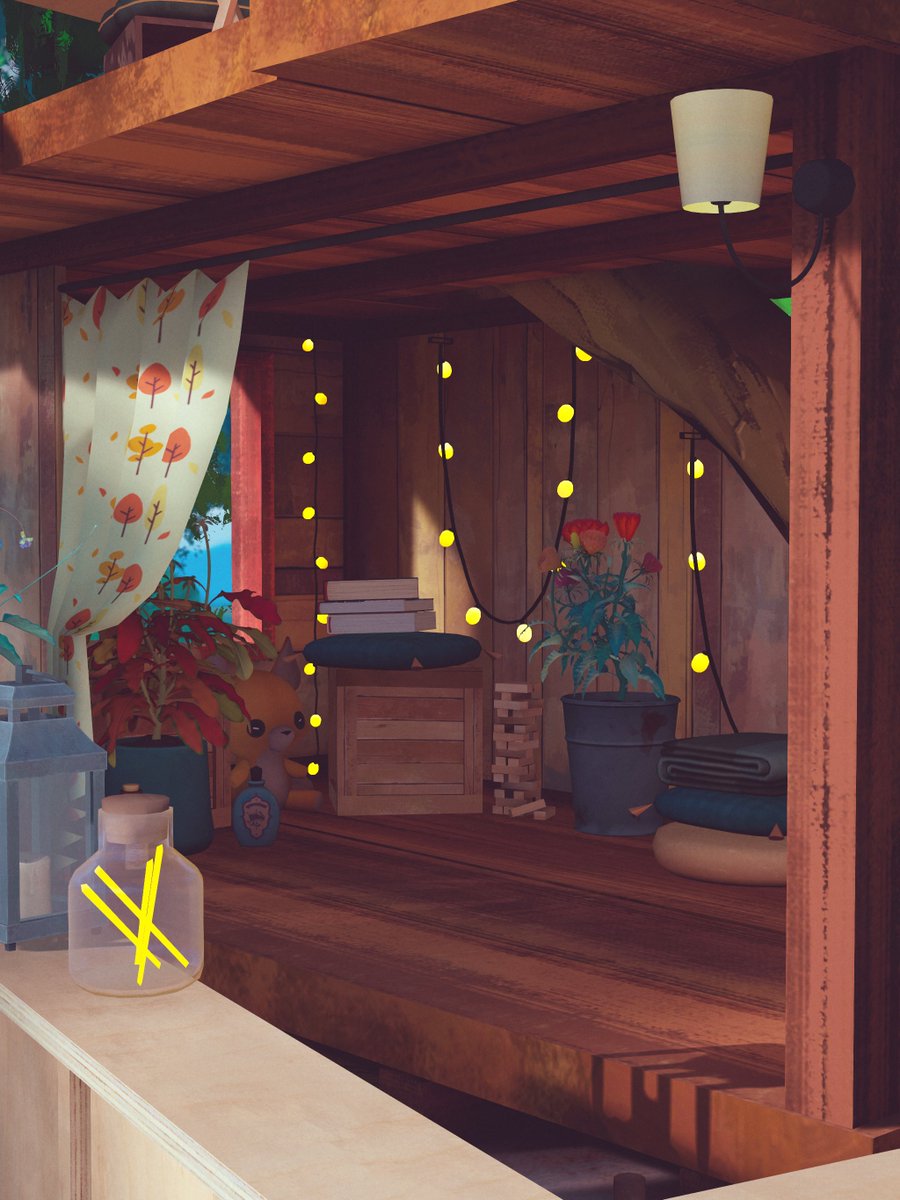
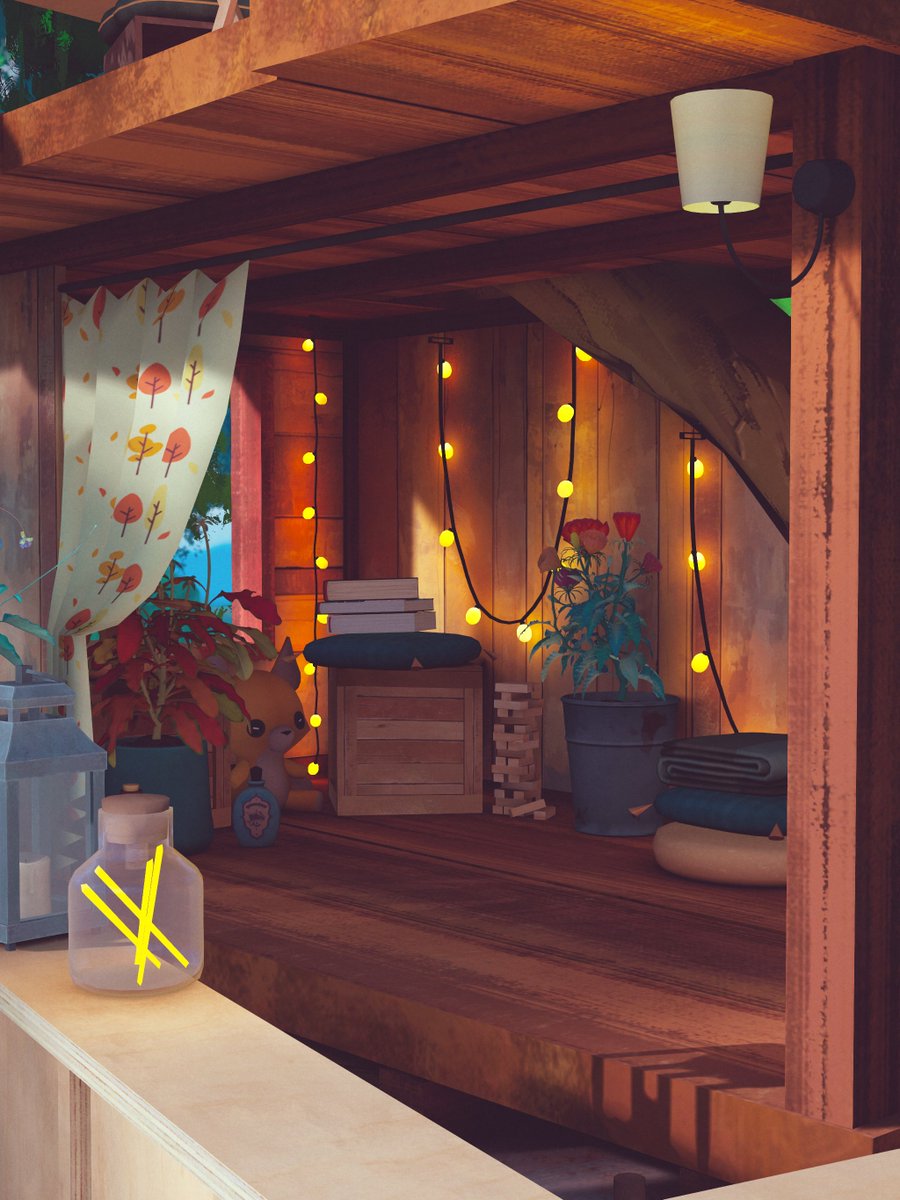
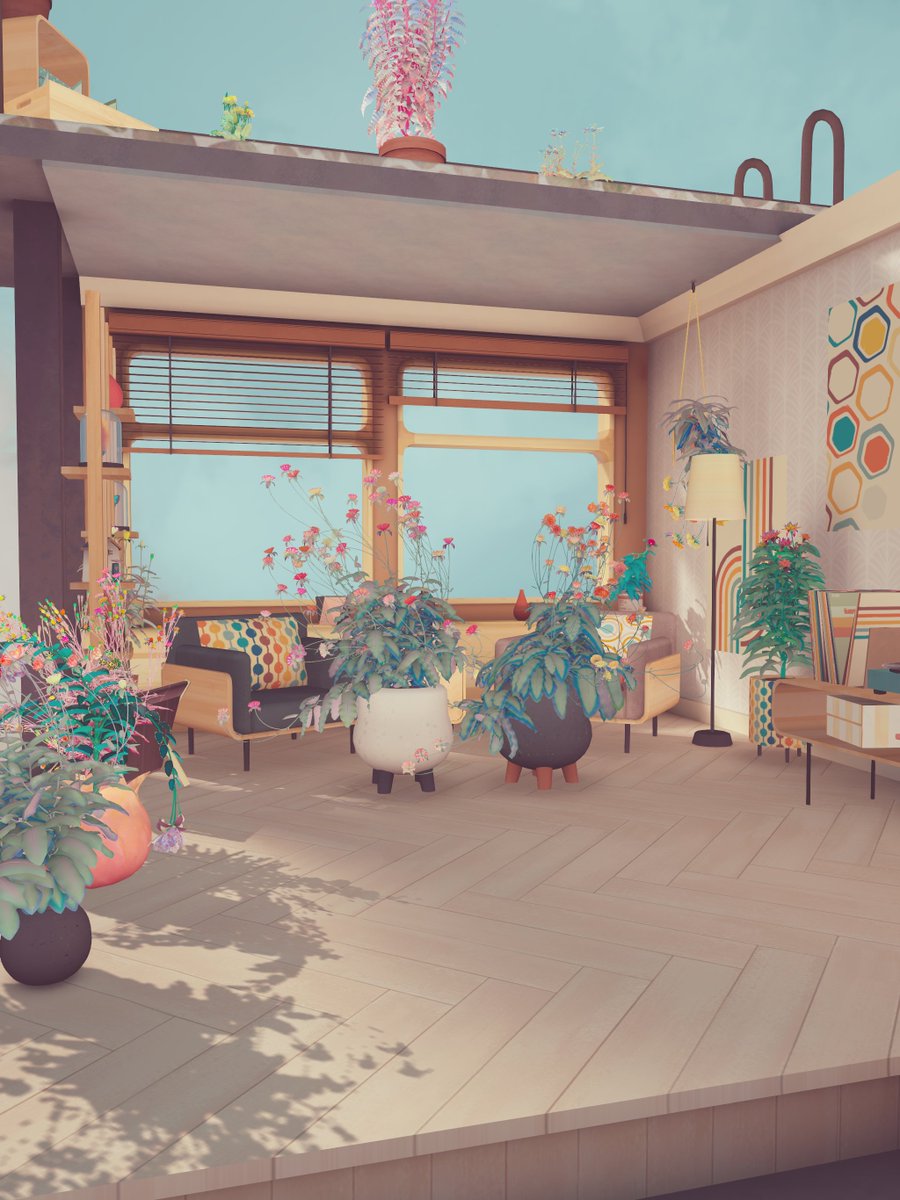
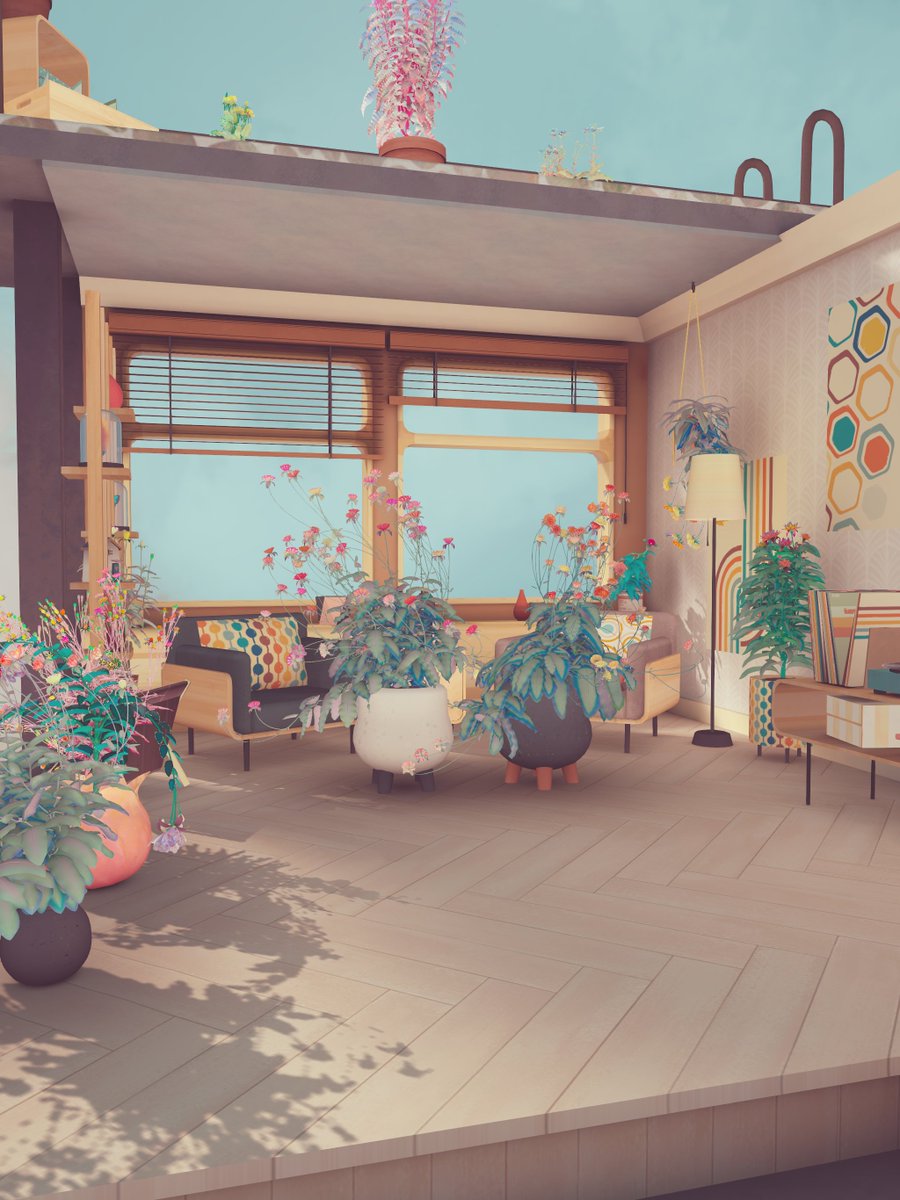
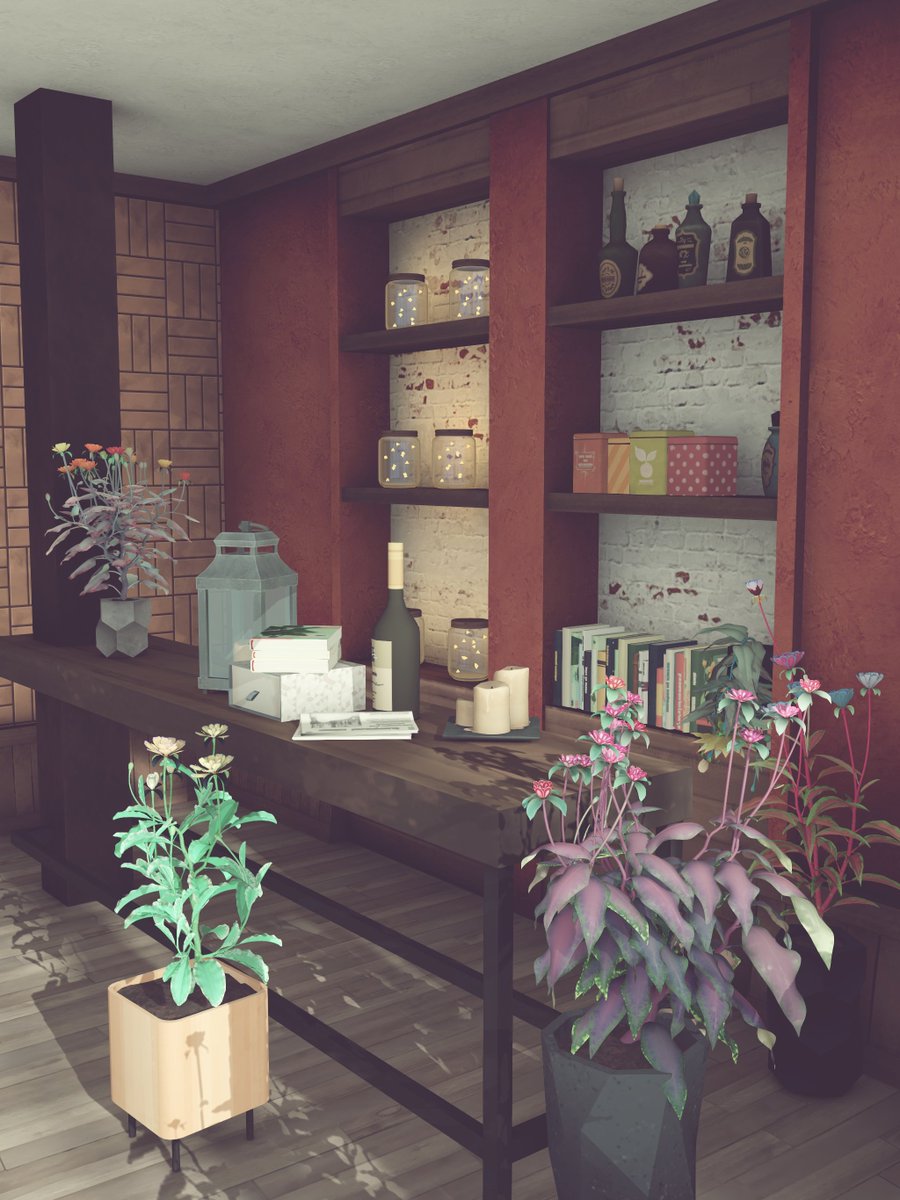
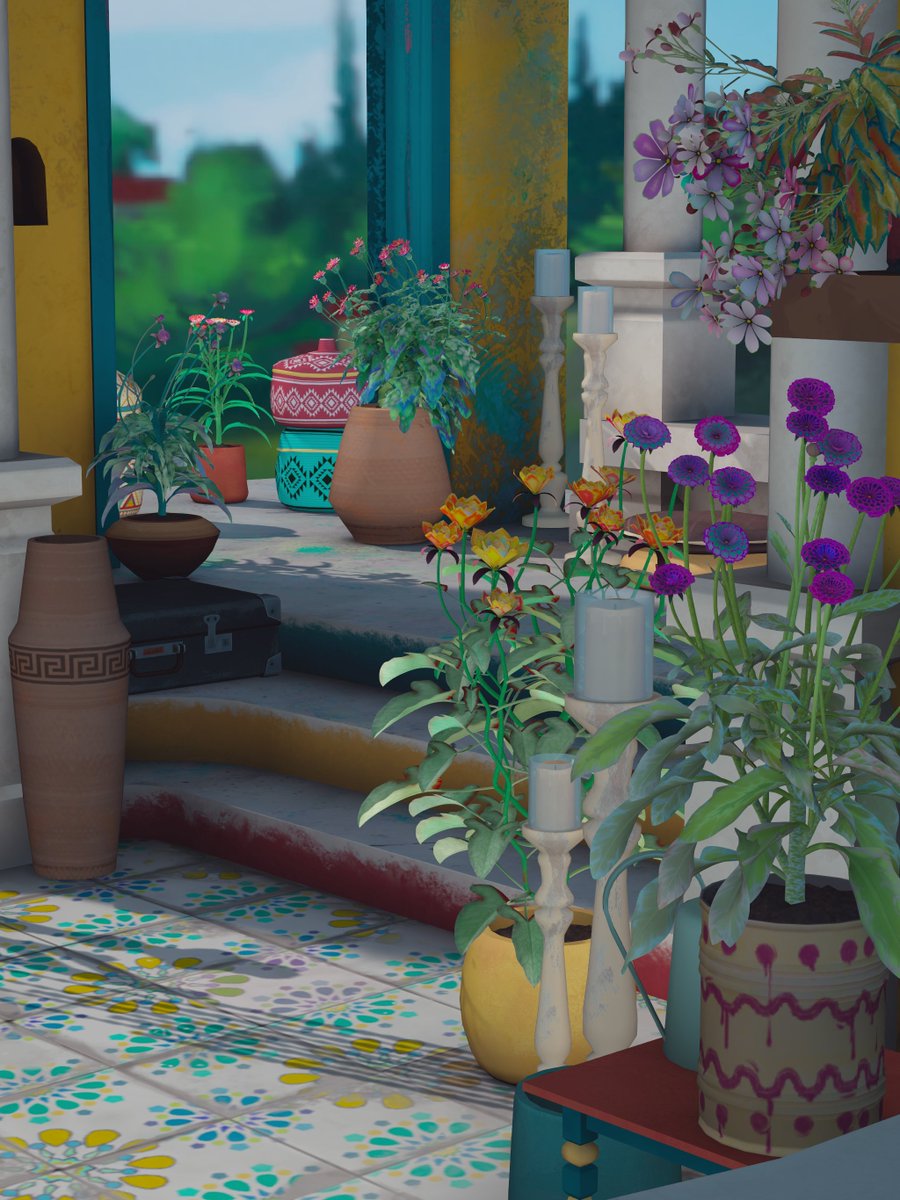
There are, of course, plenty of limitations (obvious and not-so-obvious) - I’ll dive into those next time And finally, here are a few fresh in-game shots (and remember - the game is still about flowers!)
(16/16)
And finally, here are a few fresh in-game shots (and remember - the game is still about flowers!)
(16/16)
And finally, here are a few fresh in-game shots (and remember - the game is still about flowers!)
(16/16) 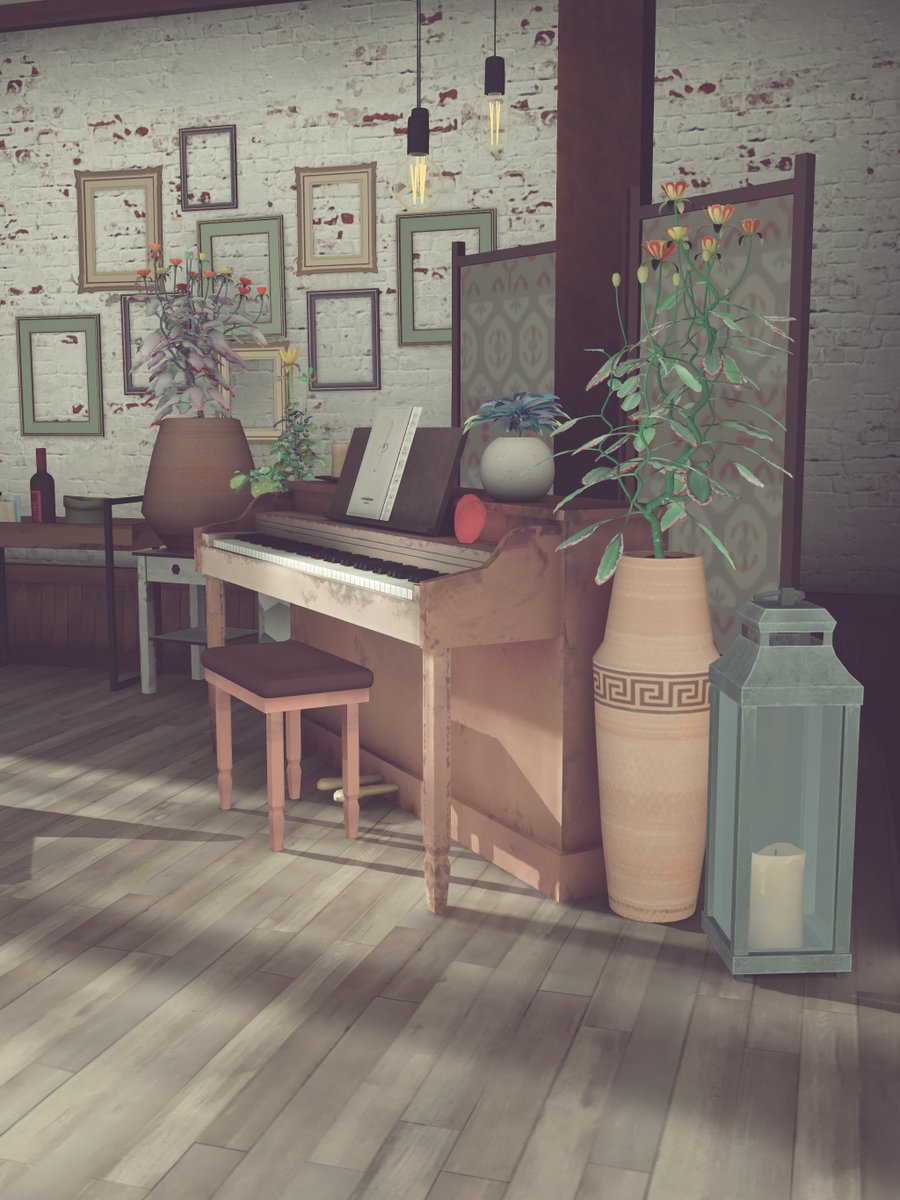


Missing some tweets in this thread? Or failed to load images or videos? You can try to .